Text-to-video with Veo 3.1
Write a prompt and Veo 3.1 generates a realistic, high-quality clip with natural motion and camera work.


Google Veo is Google's AI video model that creates short, realistic video clips with sound from text prompts or images.

Here’s everything that comes with your plan.
Your plan
Everything below is part of the group buy price.

Here’s a peek inside Google Veo.
Screenshots
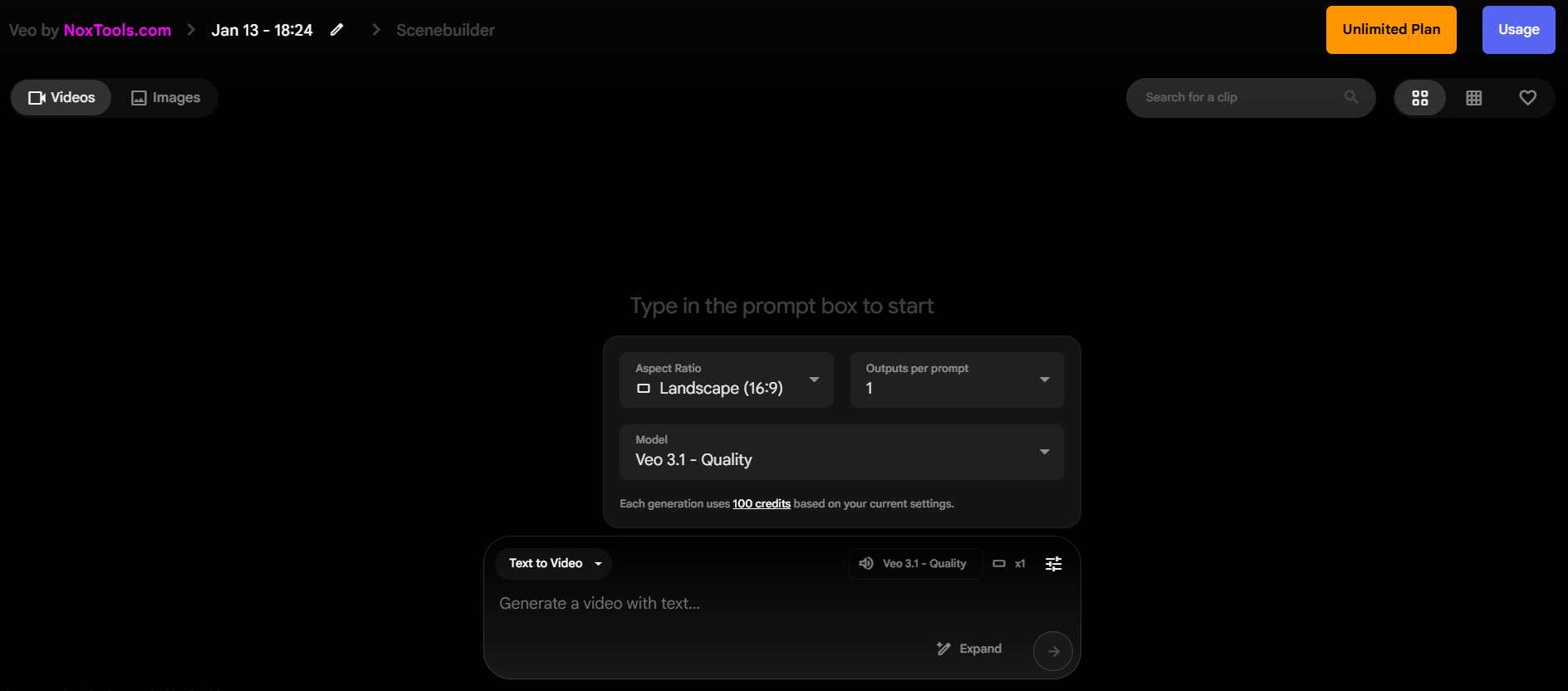

Here’s what Google Veo actually does.
Key features
Write a prompt and Veo 3.1 generates a realistic, high-quality clip with natural motion and camera work.
Veo 3.1 models can add dialogue, sound effects and ambient sound to the video (audio is in beta).
Start from your own image or frame and turn it into a moving shot that keeps its subject and style.
Choose Fast models for quick drafts and ideas, or Quality models for your final, most detailed renders.
Access Veo 3.1 Fast and Quality with audio, plus Veo 2 Fast and Quality for silent clips.
Veo follows detailed prompts on subjects, actions, lighting, lens and style, so results match your idea.

Three steps and you’re in.
How it works
Buy Google Veo here, or pick a bundle on our plans page. Pay in INR or USD.
UPI and card payments are activated instantly. Crypto, Binance and offline payments are verified within 2–3 hours.
Log in to your NoxTools dashboard, follow the short video tutorial and open Google Veo in one click.
FAQ
Still have a question? Live chat is one click away.
Contact support
Got a question? These come up most.
Short cinematic clips for ads, reels, YouTube B-roll, product demos and storyboards. Veo 3.1 models can also add sound and dialogue, so many clips are usable without separate audio.
Use Veo 3.1 Fast for testing prompts and quick ideas, then Veo 3.1 Quality for final renders with audio. Veo 2 models are useful when you only need silent footage.
Pay by UPI or card and your NoxTools account is activated instantly (crypto, Binance and offline payments take 2–3 hours). Log in to the dashboard, follow the video tutorial and open Google Veo with one click.
No. Your NoxTools login is for you alone, and sharing it leads to a permanent ban.
We refund only if the tool does not work for more than 48 hours. Please clear your questions with live chat before purchasing; you can also create a ticket from your account. See our refund policy.
UPI, Paytm, PhonePe, GPay, Cards, Binance, PayPal, JazzCash, bKash, Nagad, Crypto (USDT, BTC).
More AI video tools
Compare Google Veo with similar tools, or add one next to it.